
Cloud Redmine — Fully Managed, All Plugins Included, Ready from Day One
Redmineflux Managed Cloud gives your team a complete Redmine environment. It is hosted, maintained, and kept up to date by the Redmineflux team. Every Redmineflux plugin is pre-installed. Your team logs in and starts working.
No servers to configure. No plugins to install. No updates to manage.
Starting from $1.99 per user per month.
Get Started
Get Free Demo
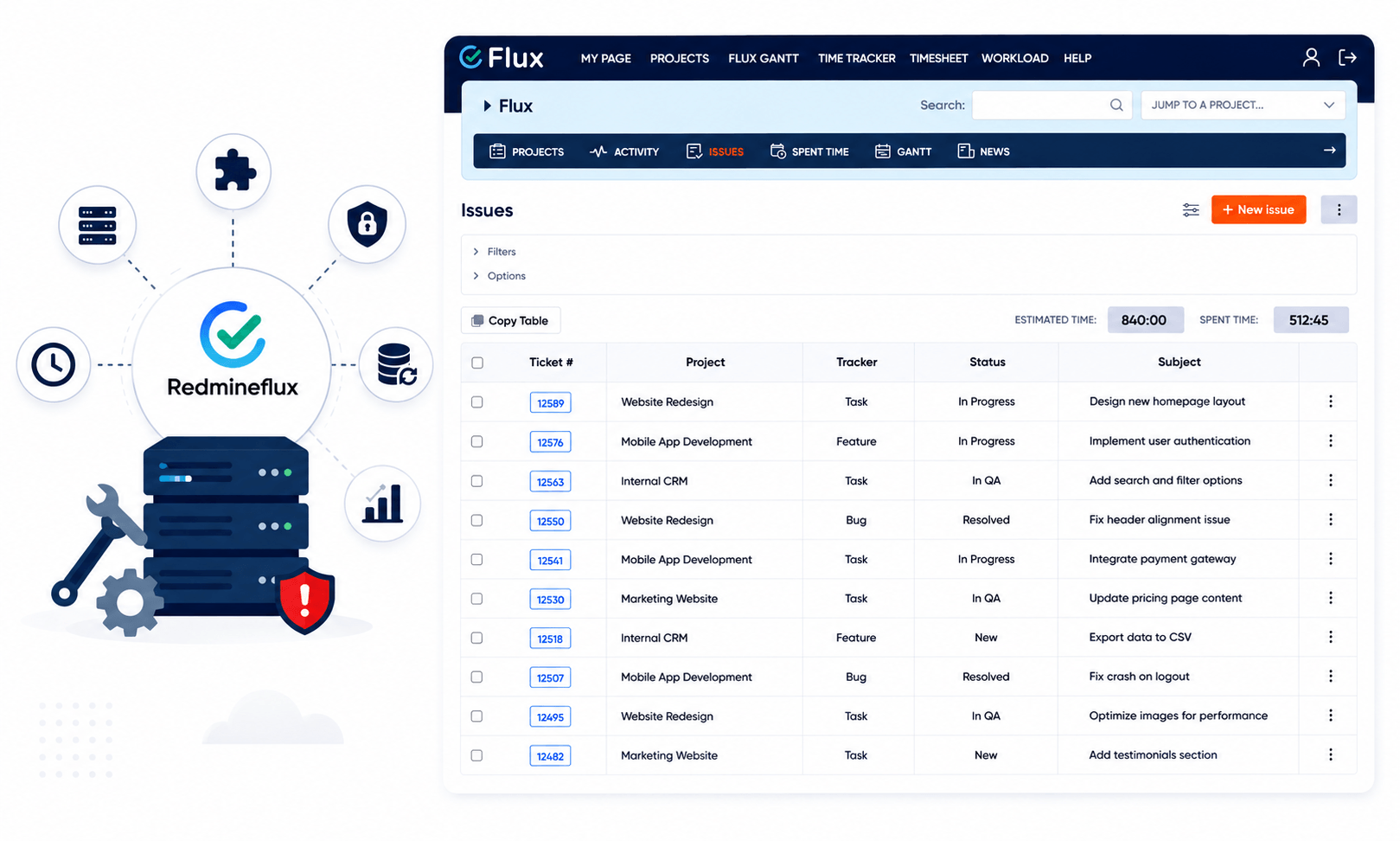
What Self-Hosting Redmine Actually Costs Your Team
Self-hosted Redmine puts infrastructure responsibility on your team and that cost is rarely small.
- Server provisioning, configuration, and ongoing maintenance falls on internal IT.
- Plugin installation requires manual version matching and compatibility checks.
- Security patches need planned downtime and technical oversight each time.
- Backups must be configured, monitored, and tested by your own team.
- Scaling the server as the team grows requires new infrastructure decisions.
- Outages and performance issues are yours to diagnose and resolve.
For development teams, every hour spent on Redmine infrastructure is an hour not spent on delivery.
What Redmineflux Managed Cloud Provides
Redmineflux Managed Cloud is a fully hosted Redmine environment with all Redmineflux plugins pre-installed, managed infrastructure, automated backups, and security handled by the Redmineflux team. Teams get complete project management capability Agile boards, Gantt, Timesheet, Workload, Knowledgebase, and more without managing any servers.
Managed Cloud transfers the infrastructure burden from your team to Redmineflux. You retain full ownership of your data. Redmineflux handles everything else hosting, plugin updates, security, backups, and uptime monitoring.
What Is Included in Managed Cloud
Every Redmineflux plugin is included in your Managed Cloud subscription. No separate plugin purchases. No licence management. No version compatibility issues.

Timesheet
Time tracking with approval workflows and structured reporting

Workload
Team capacity visibility and resource distribution across projects

Gantt Chart
Visual project timelines with dependency tracking

Custom Dashboard
Configurable dashboards for every role and project view

Agile Board
Kanban boards, Scrum sprints, backlog planning, WIP limits, and story points

Testcase Management
Structured test planning, execution, and results tracking inside Redmine

Help Desk
Ticket intake, assignment, and resolution tracking for support teams

Knowledge Base
Centralised project documentation and team knowledge inside Redmine

Issue Template
Standardised issue creation across projects and teams

Checklist
Enforced task completion steps before issue closure

Notification
Real-time alerts for assignments, status changes, and deadlines inside Redmine

Time Tracker App
Accurately monitor time spent on tasks, issues, and bugs from the desktop

Inline Editor
Edit issue fields and details directly inline without opening a separate form

Mentions
Tag team members directly in issue notes and comments for faster communication

Tags Plugin
Organise and filter issues across projects using flexible tags

Fluxshot Chrome Extension
Capture and attach annotated screenshots directly to Redmine issues from the browser
All plugins are updated by Redmineflux. Your team always runs the current version.
Managed Infrastructure
Redmineflux handles the full infrastructure layer. Your team has no server responsibilities.
- Daily automated backups with point-in-time restore options
- SSL/TLS security configured and maintained by Redmineflux
- Uptime monitoring with proactive incident response
- Redmine version updates applied by the Redmineflux team
- Server scaling managed as your team grows
Access and Security
Your Redmine environment is secured and governed from day one.
- Role-based access control across all projects and plugins
- User activity logs for compliance and audit purposes
- Configurable project permissions aligned to your team structure
- Secure data storage your data is yours, always
Reporting and Visibility
Your team gets full visibility into project work, time, and resources.
- Pre-built reports for time, issues, and workload
- Custom dashboards configurable per team and role
- Issue status and progress tracking across all active projects
- Workload reports showing capacity and distribution across team members
What Redmineflux Manages vs What You Control
Understanding responsibility boundaries helps teams make the right hosting decision.
| Responsibility | Self-Hosted Redmine | Redmineflux Managed Cloud |
|---|---|---|
| Server provisioning | Your team | Redmineflux |
| Plugin installation | Your team | Redmineflux |
| Plugin updates | Your team | Redmineflux |
| Security patches | Your team | Redmineflux |
| Automated backups | Your team | Redmineflux |
| Uptime monitoring | Your team | Redmineflux |
| Redmine version updates | Your team | Redmineflux |
| Data ownership | Your team | Your team |
| User and role configuration | Your team | Your team |
| Project structure | Your team | Your team |
You control your data, users, and project structure. Redmineflux controls the infrastructure.
Built For These Teams
| Role | How Managed Cloud Helps |
|---|---|
| Engineering Lead | Full plugin suite available from day one — no IT setup cycle |
| Project Manager | Gantt, dashboards, and workload views pre-configured and ready |
| IT Director | Clear responsibility boundaries — infrastructure managed by Redmineflux |
| Scrum Master | Agile Board, sprint planning, and backlog tools pre-installed |
| QA Lead | Issue templates, checklists, and test tracking available immediately |
Managed Cloud is the right fit for teams that want structured project management capability without internal infrastructure overhead.
Why Teams Choose Managed Cloud Over Self-Hosting
Self-hosting Redmine gives you control over every infrastructure decision. That control has a cost — someone on your team must own it, maintain it, and respond when something breaks. Managed Cloud transfers that operational responsibility to Redmineflux. Your team focuses on delivery. Redmineflux handles the environment that delivery runs on.
Specific reasons teams move to Managed Cloud:
IT teams are stretched
Server maintenance competes with higher-priority work.
Plugin setup and version management
Creates recurring delays before teams can use new features.
Backups are inconsistent or untested
A real risk for project data.
Teams want to start immediately
Not after a setup cycle.
Growing teams need infrastructure
That scales without infrastructure decisions.
Managed Cloud removes these problems from your team’s plate. The workspace is reliable, maintained, and consistent — so your team stays focused on the work.
per user/month
All plugins included. No separate plugin licences required. Infrastructure, backups, and updates covered.
Redmineflux Managed Cloud pricing scales with your team. A small team and a growing team get the same complete plugin suite the per-user cost stays predictable as you grow.
Get Started with Managed Cloud
Your team can be up and running today. No server setup. No plugin configuration. Just a fully equipped Redmine environment, ready to use.
Get Started — Managed Cloud
Get Free Demo
Need to discuss your team’s specific requirements? Contact us for a guided walkthrough.
Frequently Asked Questions
What is Redmineflux Managed Cloud?
Redmineflux Managed Cloud is a fully hosted Redmine environment with all Redmineflux plugins pre-installed and managed infrastructure. Teams get Agile boards, Gantt, Timesheet, Workload, Knowledgebase, and all other Redmineflux plugins ready to use — without managing any servers, backups, or updates. Starting from $1.99 per user per month.
Do I own my data if I use Managed Cloud?
Yes. Your data remains yours at all times. Redmineflux manages the infrastructure, but ownership of your project data, issues, time entries, and documents stays with your organisation. You can export your data at any time.
Can I migrate from self-hosted Redmine to Managed Cloud?
Yes. Redmineflux supports migration from existing self-hosted Redmine instances to Managed Cloud. Your project data, issue history, and configurations are transferred. Contact the Redmineflux team to discuss your migration.
Which Redmine version does Managed Cloud run?
Managed Cloud runs the current supported Redmine version. Updates are applied by the Redmineflux team — your environment stays current without any action from your side.
Is Managed Cloud suitable for teams with data compliance requirements?
Managed Cloud includes secure infrastructure with SSL/TLS, role-based access control, and audit logs. For teams with specific data residency or compliance requirements, contact Redmineflux to discuss your situation before subscribing.